Merge PDF files online with the easiest way to combine documents from multiple sources into one clean, organized file. Whether you need to join reports, archive receipts, or compile a portfolio, our free online PDF merger makes it simple. Upload PDF, Word, PowerPoint, image files and more — drag to reorder, rotate or remove pages — then download your merged document in seconds. No installation, no signup required.
An online PDF merger — also called a PDF joiner — is a free web tool that lets you combine PDF files and other document types into a single, organized PDF file. Whether you want to join PDF files from different sources, merge scanned PDFs from a scanner or copier, or combine PDF pages from multiple reports, this tool handles it all directly in your browser — no software download needed.
At PDFFixNow, you can merge PDF files for free with support for over 30 file formats including PDF, DOCX, PPTX, XLS, JPG, PNG and more. Simply upload your files, drag to reorder, and click to combine. Our merger processes your documents without losing quality — every page looks exactly as it did in the original file. See how to combine PDF files in 3 easy steps below.
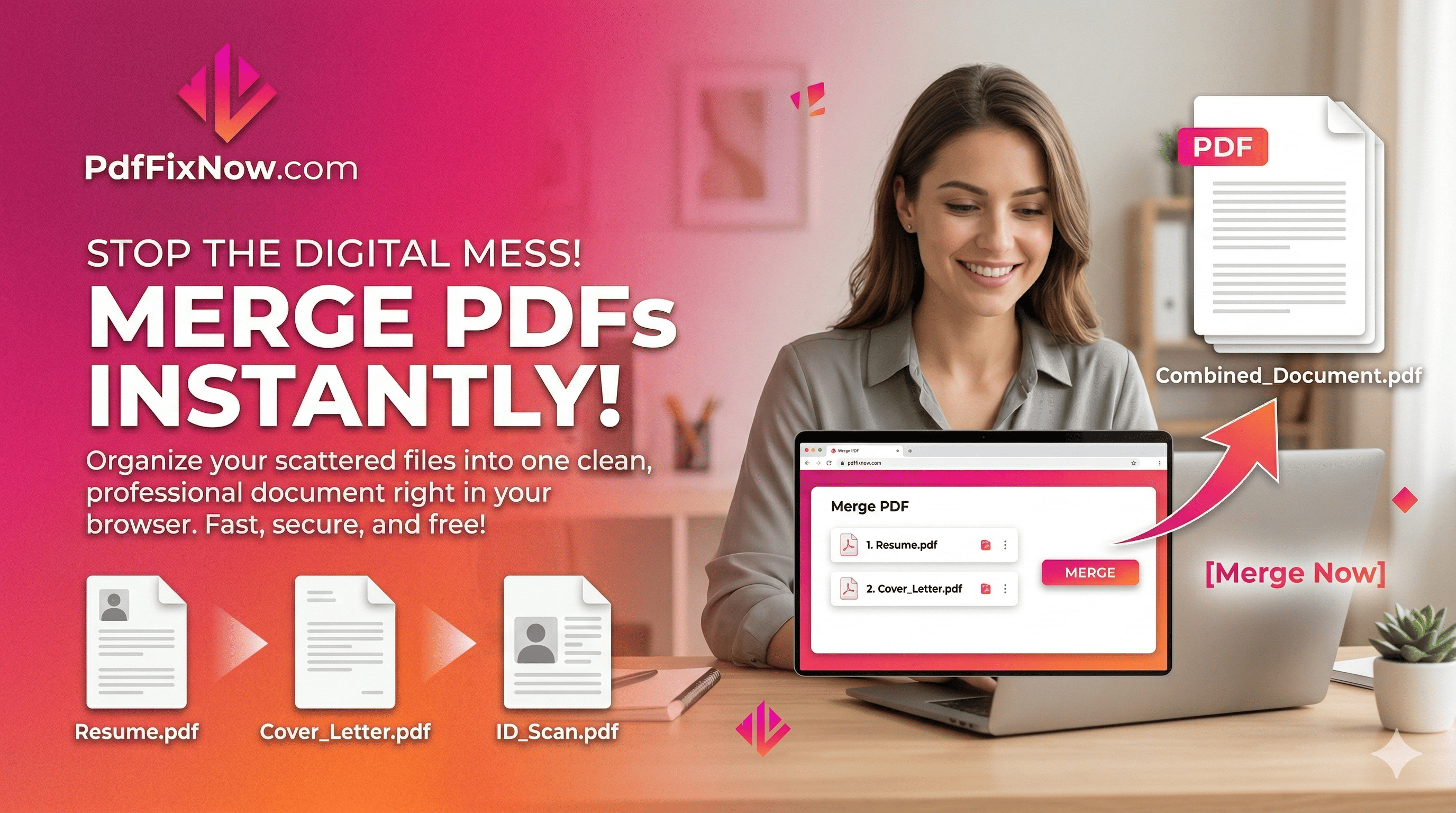
Upload your files
Drag and drop your PDF files or click to browse. You can add PDFs, Word documents, images, and more. Upload multiple files at once.
Arrange, remove, and rotate pages
Drag page thumbnails to reorder them exactly as you need. Remove any pages you do not want in the final PDF with a single click. You can also rotate individual pages clockwise or counterclockwise before merging.
Merge and download
Click the Merge Files button. Your combined PDF is ready in seconds — download it to your device or share it instantly.
Our online PDF combiner is built for everyday tasks. Here are some of the most common ways people use it.
Batch Merging
Upload and merge multiple files at once. Combine PDFs, Word docs, PowerPoints, and images into one seamless PDF file.
Cloud Integration
Import files directly from your device or cloud storage. We support standard file picking for easy access to your documents.
Works on All Devices
Our web-based merger works perfectly on Windows, Mac, Linux, iOS, and Android. Merge files from your desktop or on the go.
Drag & Drop Reordering
Easily arrange your documents in the exact order you want. Simply drag and drop thumbnails to reorganize before merging.
Visual Preview
See a thumbnail preview of each file you upload to verify you have the right documents before combining them.
Multiple Formats
Not just PDFs! You can also merge Word documents (DOC, DOCX), Excel sheets (XLS, XLSX), and images (JPG, PNG) into your final PDF.
Fast Processing
Our powerful servers process your files quickly, merging even large documents in seconds so you don't have to wait.
Instant Download
Once merged, your new PDF is ready for immediate download. No email requirement or long queues.
Manage PDF files
Convert to PDF